Change your bank details
You can't change your bank details if your Direct Debit is due in the next five working days.
Just follow these instructions and update them after your Direct Debit has been taken.
Step 1 - log in or create an online account
(if you don't already have one)
-
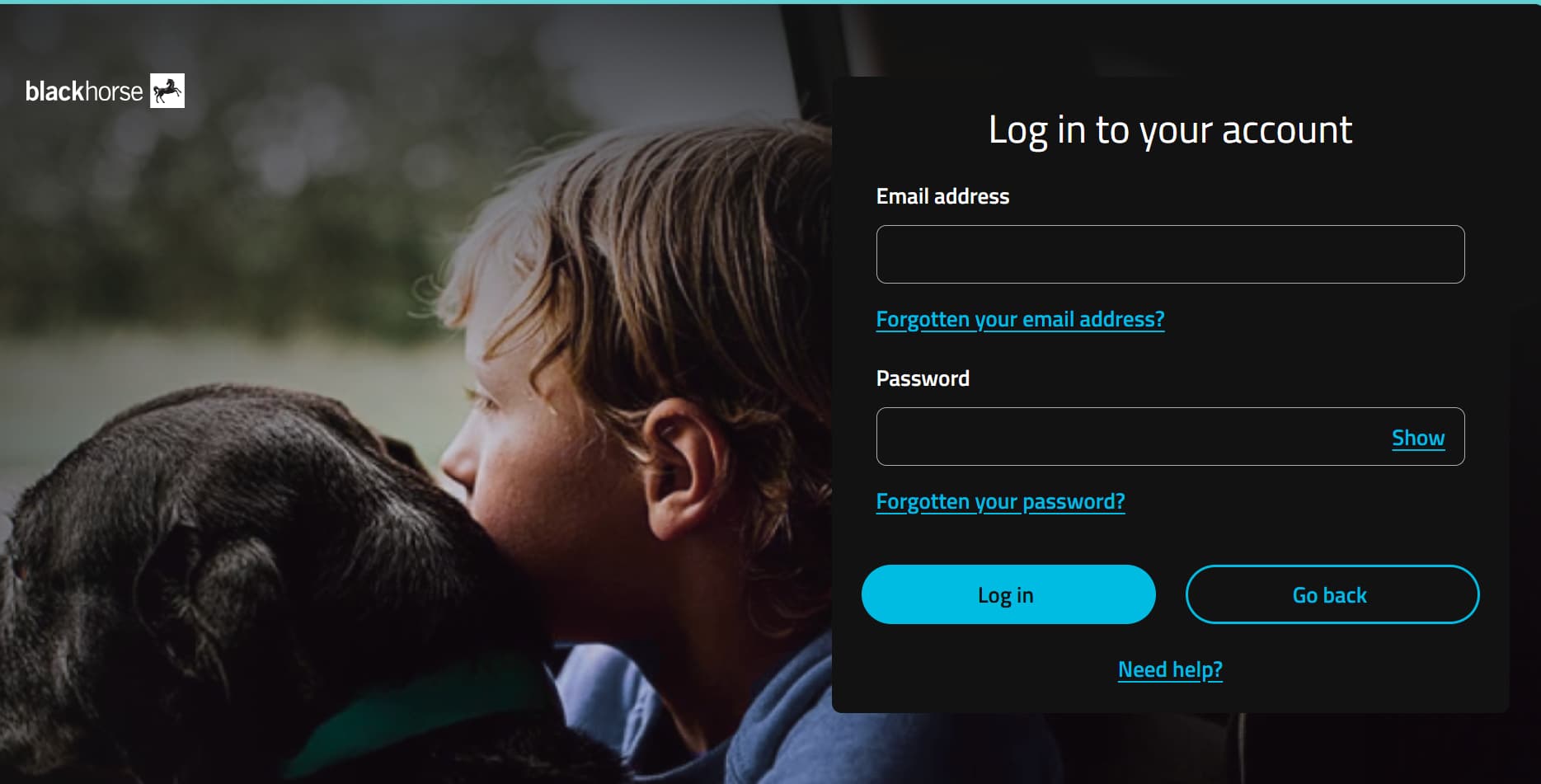
1. Go to https://customerportal.blackhorse.co.uk/ and select 'Log in'

2. Add your email address and password and select log in
-
1. Go to https://customerportal.blackhorse.co.uk/ and select 'Create online account'
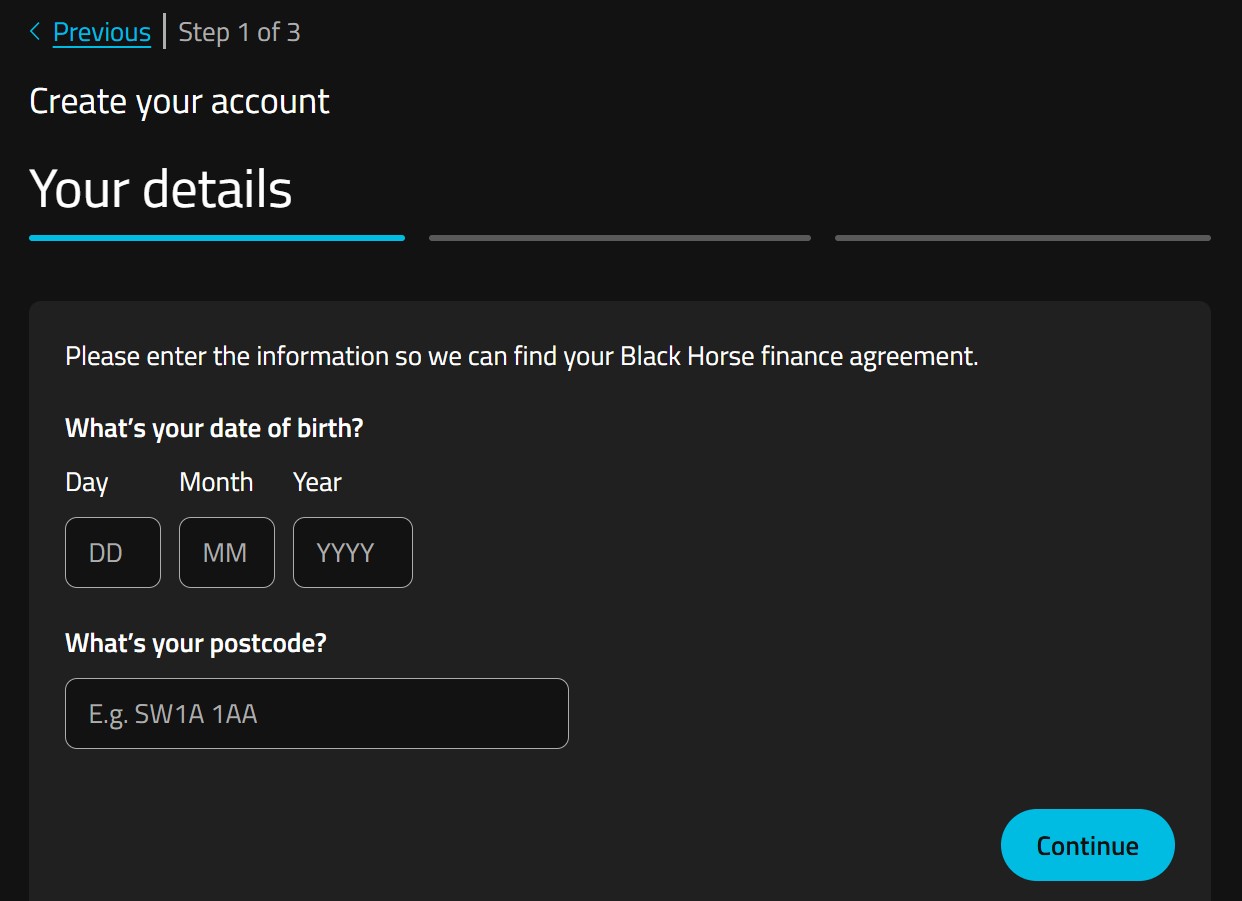
2. Add your date of birth and postcode so we can find your agreement.
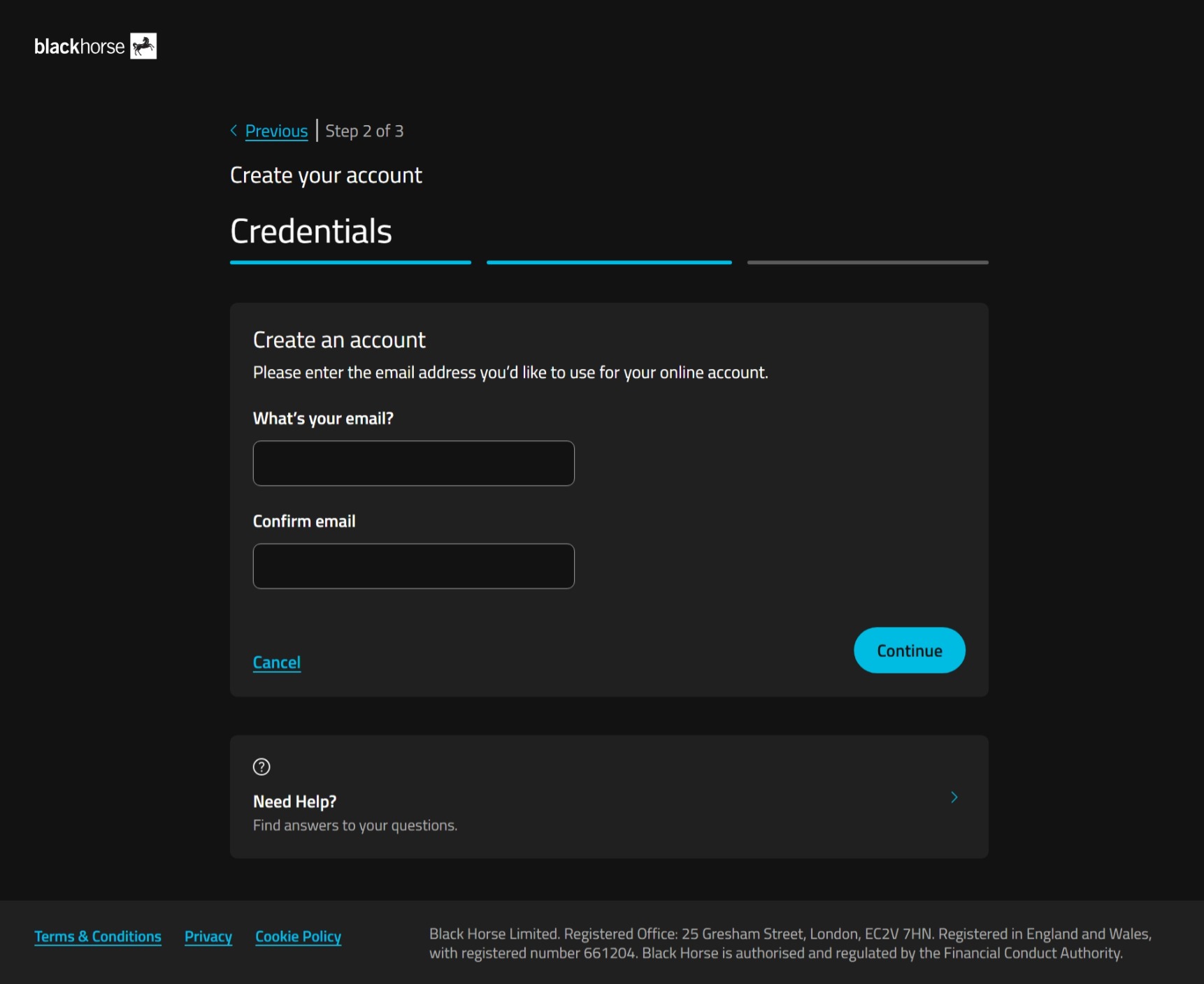
3. Type in your email address, confirm it, and select continue.
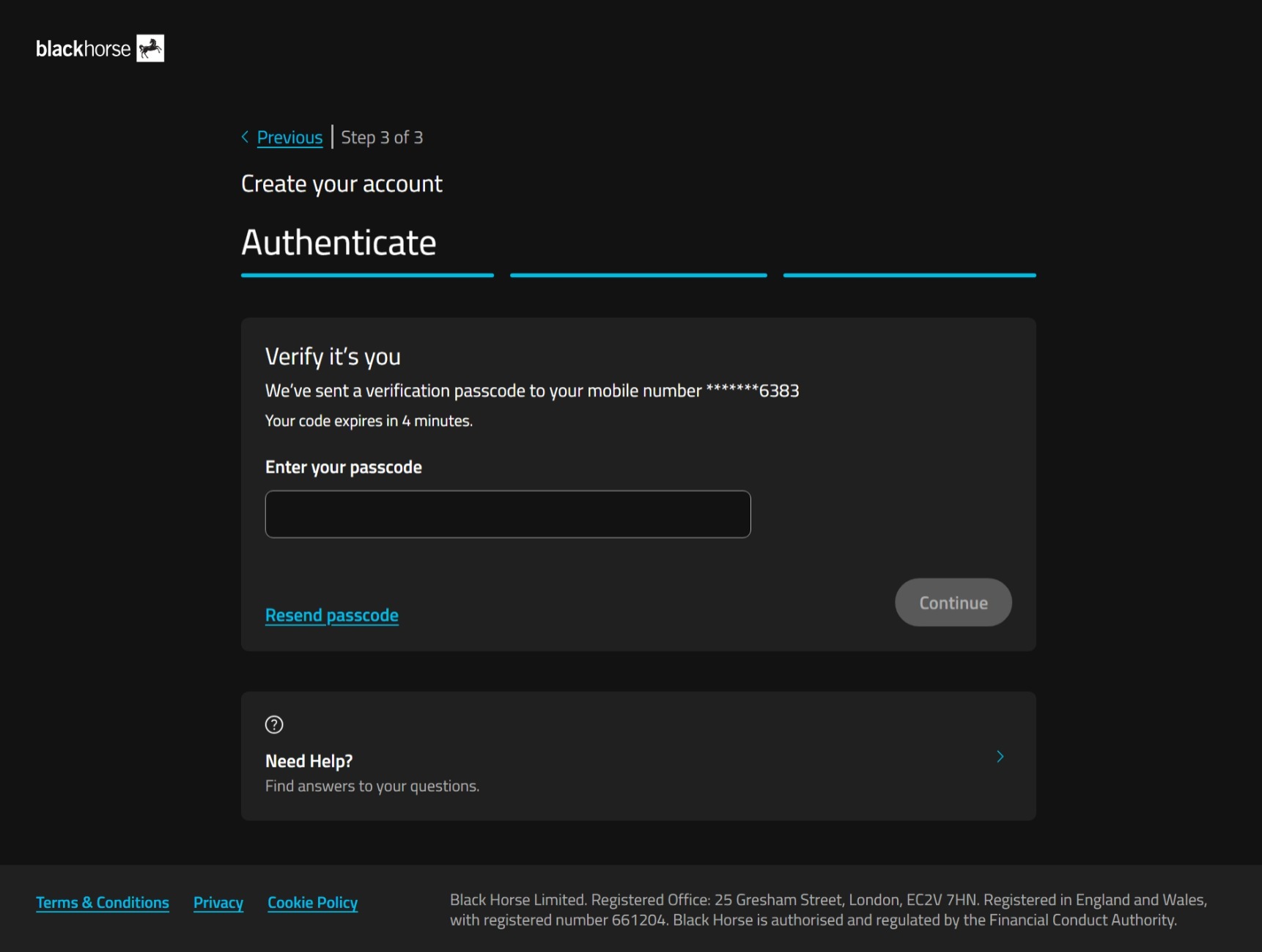
4. We'll send a one-time passcode to the phone number you gave us when you set up your agreement.
Enter the passcode, and select continue.
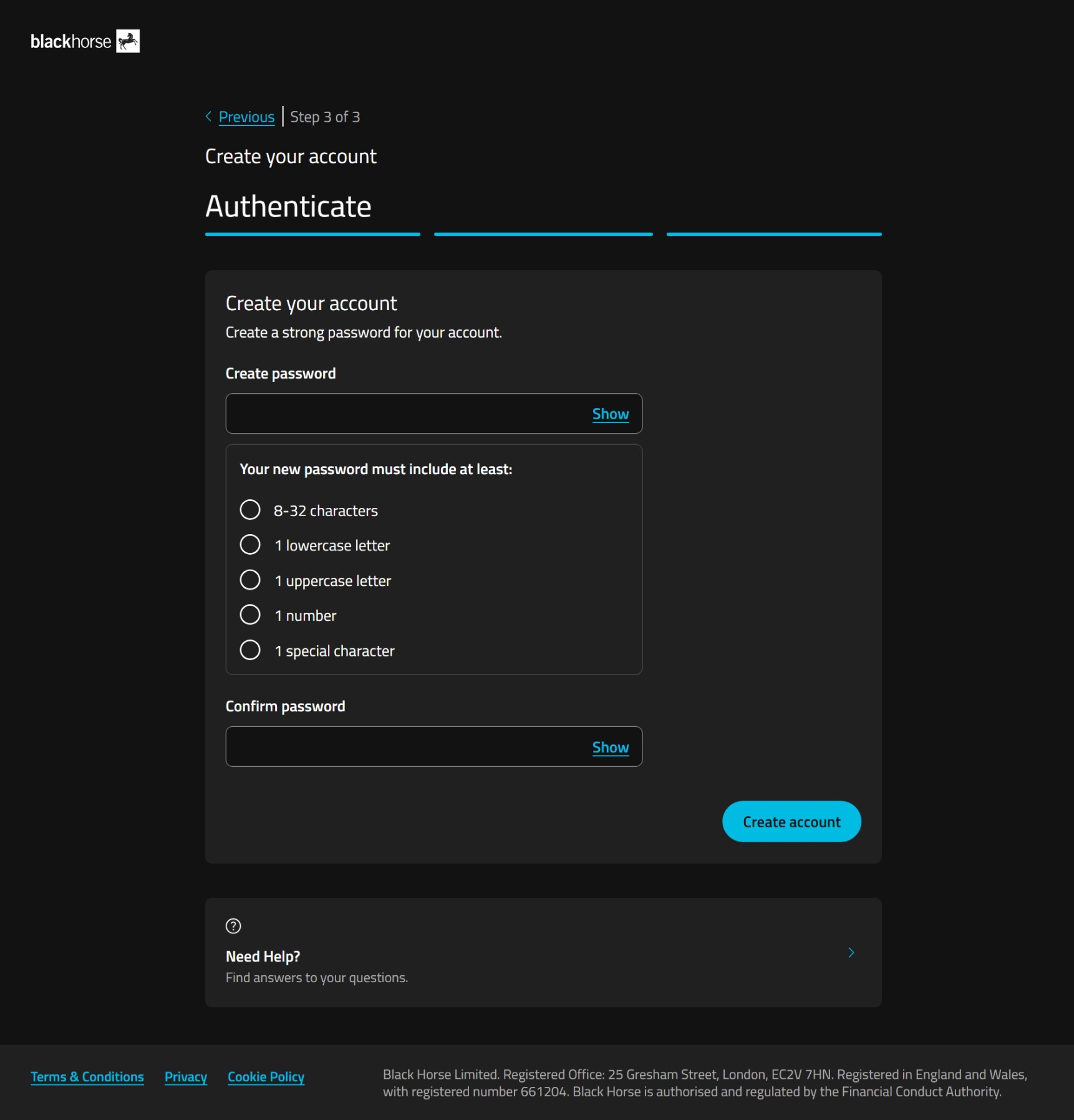
5. Choose a password for your online account.
Your password must include at least:
- 8-32 characters
- 1 lowercase letter
- 1 uppercase letter
- 1 number
- 1 special character.
Select create account.
If you're struggling to set your password, you could use a password generator, or try using 3 random, unconnected, words together with the other password requirements.
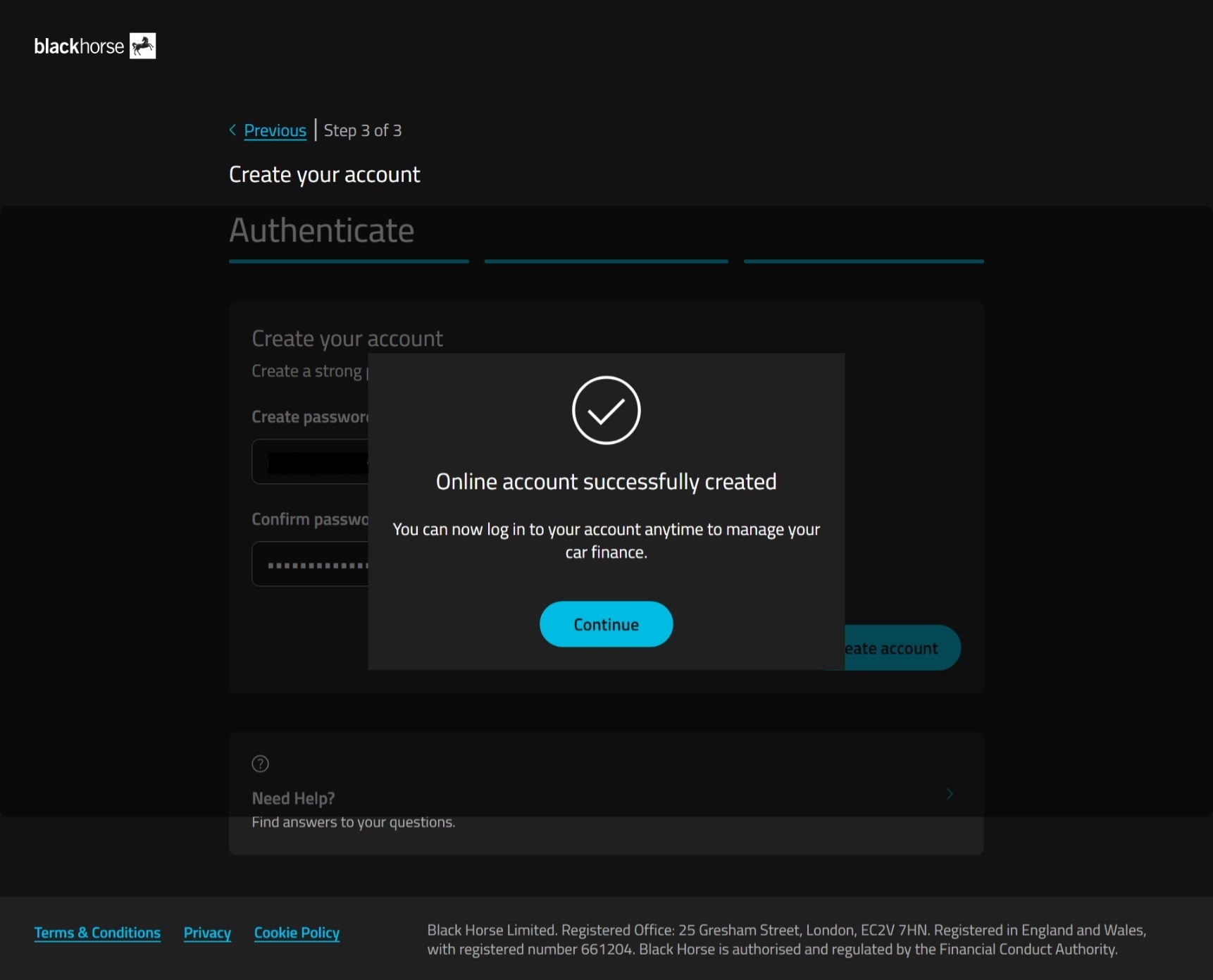
6. You've created your online account. Now you can log in with your email and password.
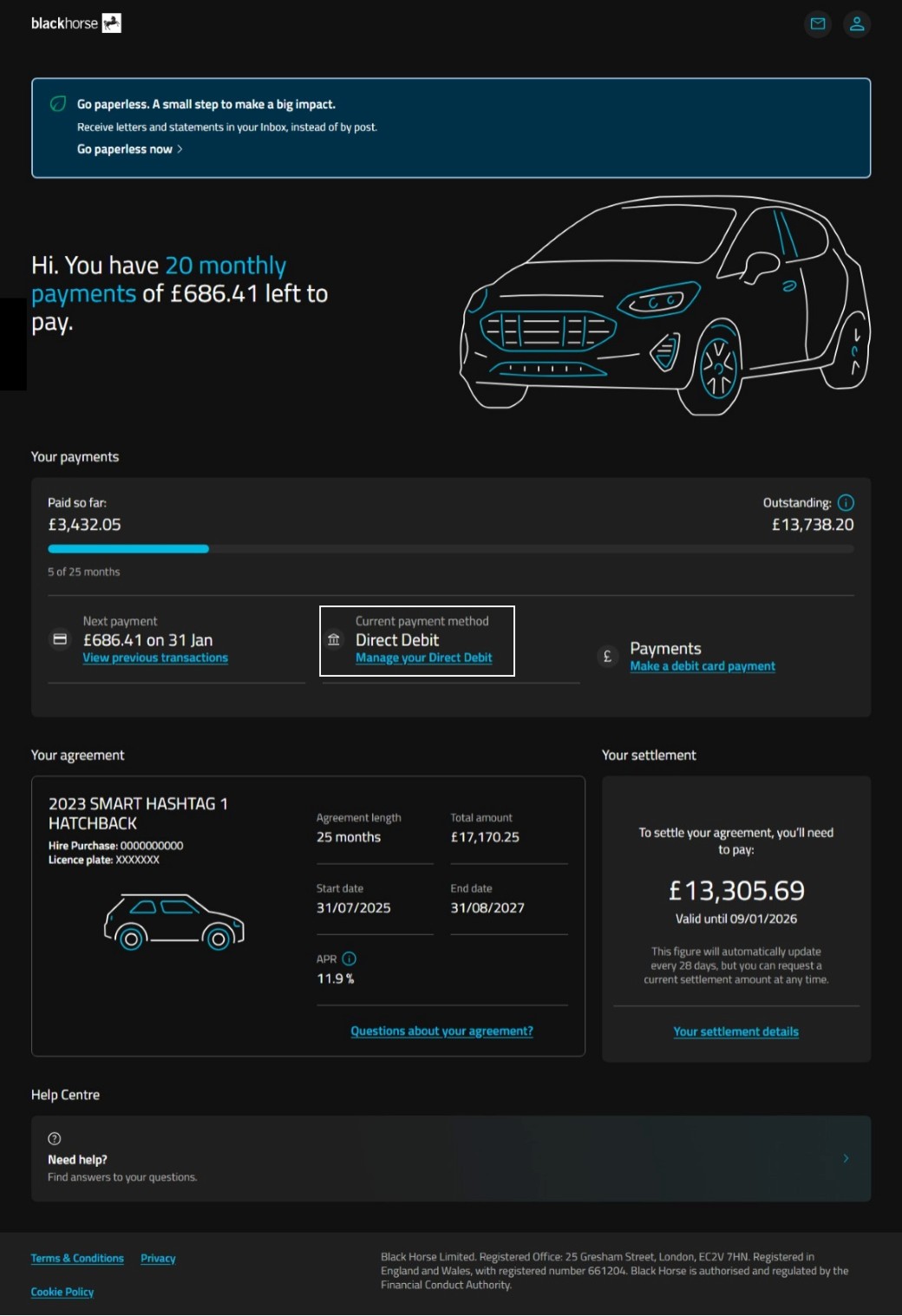
Step 2 - select manage your direct debit
You’ll find this under current payment method.
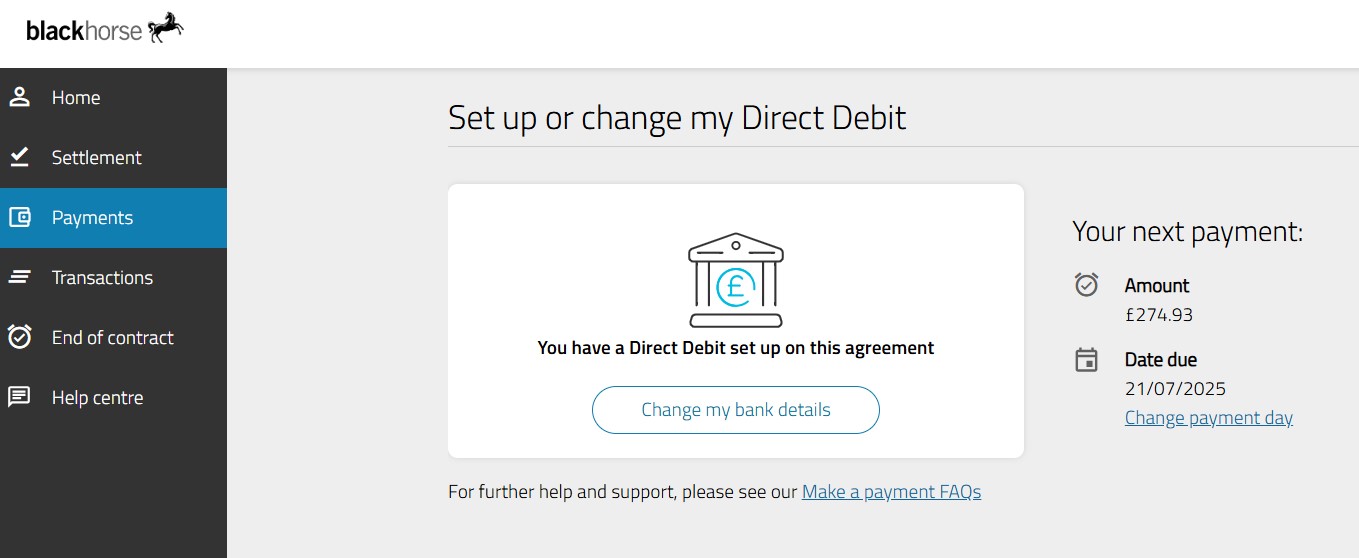
Step 3 - select change my bank details
Select 'change my bank details' in the middle of the screen.
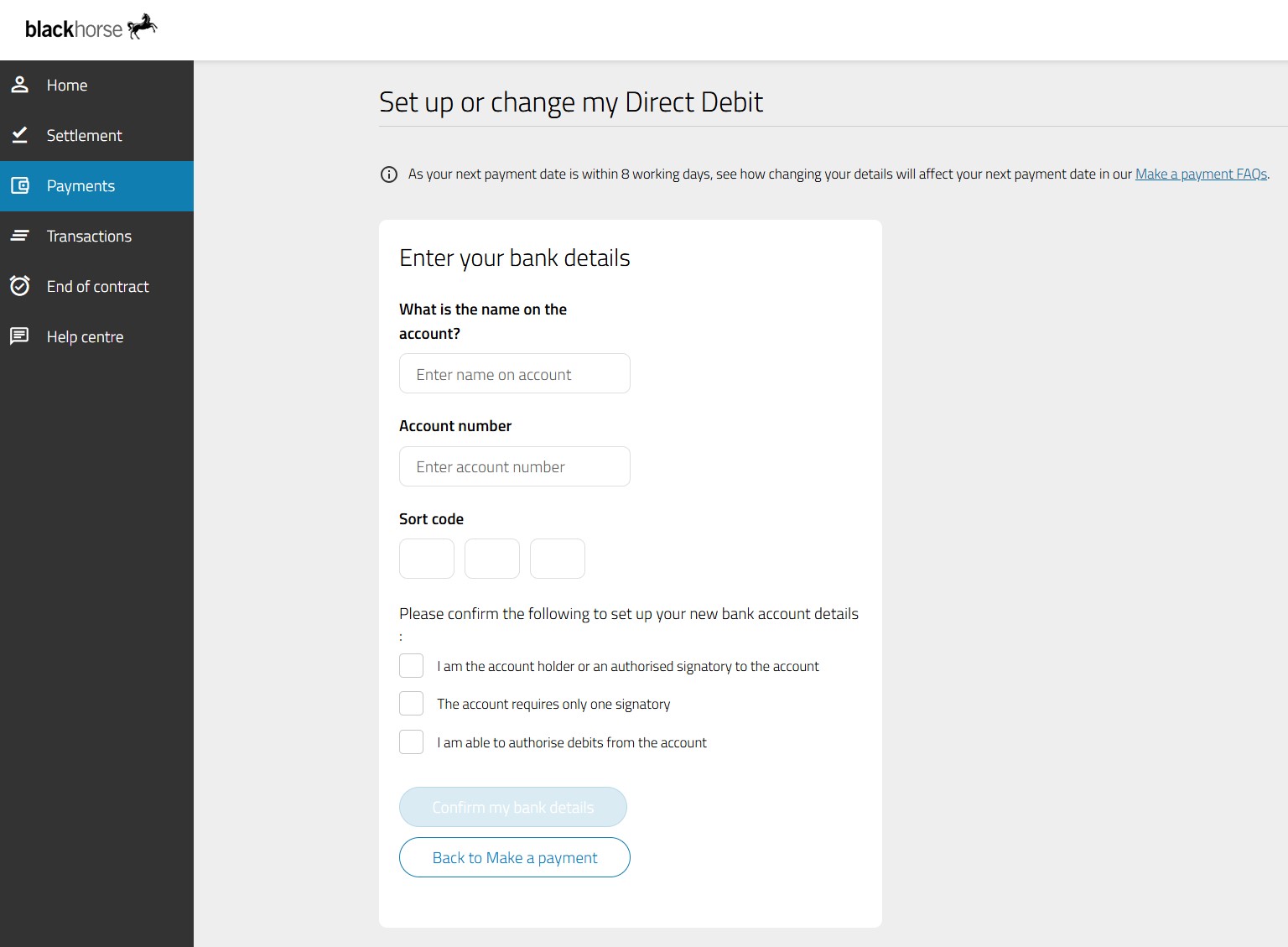
Step 4 - add new bank details
Type in your new bank details - the system will validate them for you.
Please also confirm the three statements by ticking each box.
Select 'confirm my bank details'.
Still need help?
If you've not found what you need, you can get in touch.